Basic monitor arm
Suitable for a straightforward single-monitor setup where basic height and angle adjustment is the main goal.
Budget Gear • India
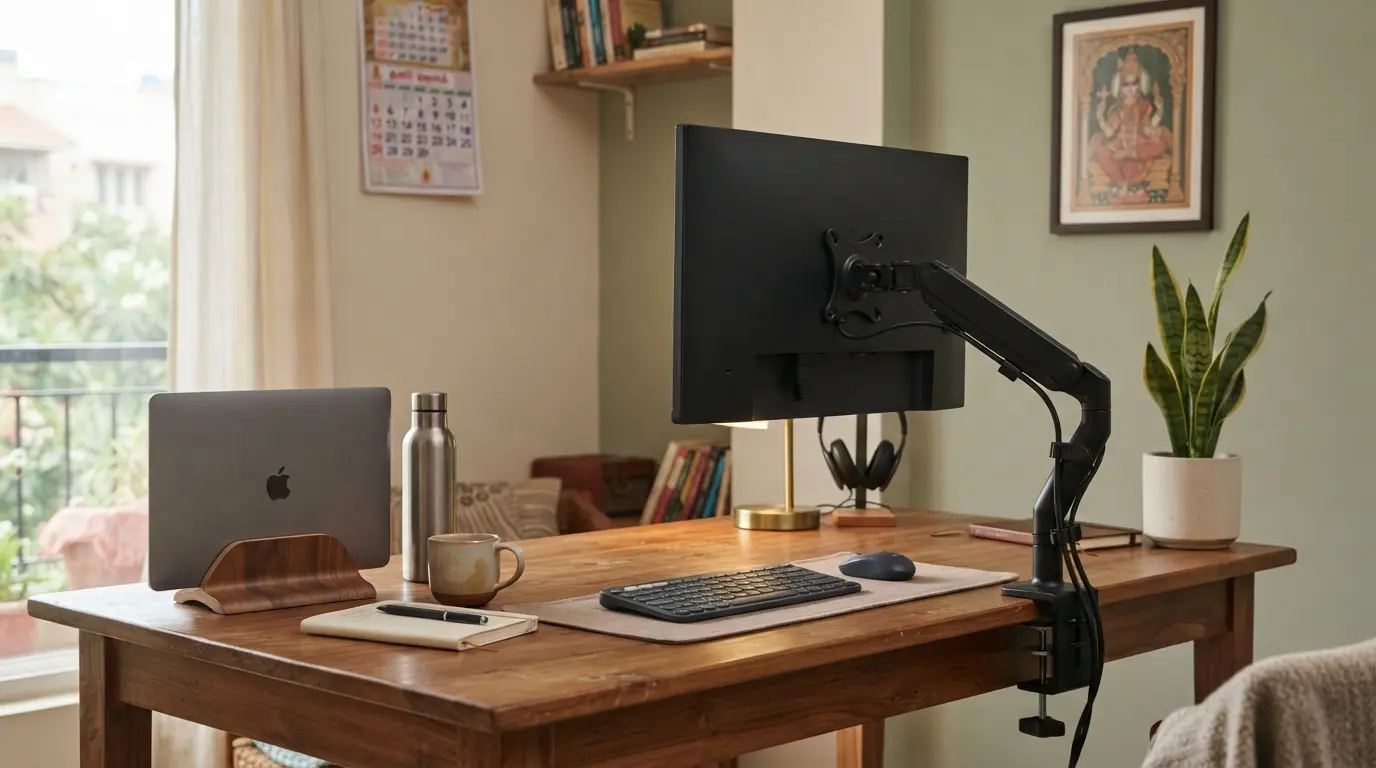
A monitor arm can free up desk space and make it easier to position your screen at a comfortable height. But you do not need an expensive arm for a beginner setup. This guide explains what to check before buying one in India.
Quick answer
A monitor arm is useful when your screen is too low, your desk feels crowded or you want more flexibility when adjusting your viewing position. If your monitor already sits at a comfortable height, a monitor arm may not be your highest-priority upgrade.
01 — Do you need one?
Before buying a monitor arm, check whether your existing monitor is already positioned correctly. The top portion of the screen should generally be around eye level or slightly below depending on your viewing position.
If your monitor is permanently too low, an arm can give you much more flexibility than repeatedly stacking books or other objects underneath it.
Try a free height adjustment first. If the position still does not work, then consider buying an arm.
02 — Compatibility
Most monitor arms attach to the back of a compatible monitor using a standard mounting pattern. Check your monitor specifications before ordering an arm.
Do not assume that every monitor can attach directly to every monitor arm. Some displays may require a specific adapter or may not support a standard mounting system.
03 — Weight capacity
Monitor arms are designed for specific weight ranges. Your monitor's weight matters just as much as its screen size.
If you use a heavier display, do not choose an arm simply because it is inexpensive. Check the stated supported weight before purchasing.
Check your monitor's actual weight and compare it with the arm's supported range before ordering.
04 — Desk mounting
Most budget monitor arms use a clamp-style or similar desk mounting system. Your desk needs enough usable surface and clearance for the mount.
Before buying, check the thickness of your desk and the mounting requirements of the arm. Also make sure the clamp will not interfere with cables, drawers or the wall.
India budget guide
For a beginner setup in India, monitor arms can fall across a wide range of prices. A sensible budget is to first identify the features you actually need instead of automatically buying the most expensive option.
Suitable for a straightforward single-monitor setup where basic height and angle adjustment is the main goal.
A useful range to consider when you want easier positioning and a more flexible workspace.
Consider spending more when you need additional flexibility, heavier monitor support or a more specialized configuration.
Save your money
A monitor arm is an accessory, not a requirement for an ergonomic desk. You may want to delay the purchase if:
Put it together
Raising your monitor is only one part of an ergonomic setup. Your chair, desk, keyboard and laptop position should also work together.
If you are using a laptop alongside an external monitor, consider raising the laptop screen separately and using an external keyboard and mouse when practical.
Related ErgoStarter guides
Learn where your monitor should sit before adjusting or buying new equipment.
Read guideSimple ways to improve laptop screen height without immediately buying a stand.
Read guideBuild your entire ergonomic workspace step by step.
Read setup guideBuild your workspace
Understand the right screen height before spending money on a monitor arm.